|
Imagine an 11 year old girl attending an evening class at a local school with her friend. They wanted to learn how to type so voluntarily enrolled in a "word processor" course!
Gosh that was a life time ago and certainly ages me! Have you even heard of a "word processor"? Keyboarding and proficient touch typing is an essential skill for the 21st century. I don't believe that it will completely make handwriting obsolete, however I would be living in a cave if I didn't acknowldege how important keyboarding and typing skills are to a student's every learning. Learning to use a keyboard and to type isn't easy! It is a false assumption that children with handwriting difficulties will learn to type easily. It will certainly help these children in the long run, however, it is important to be remember that children with motor and planning difficulties (eg, bilateral coordination, eye-hand coordination, motor planning, visual perceptual and fine motor difficulties) in handwriting will also have these difficulties when initially learning to use a keyboard to type. Accomodations for these difficulties may need to be considered when teaching keyboarding and typing skills.
How do YOU type?
Hands up if you are a "2 finger" typer? Do you use your two index fingers to stab at the keyboard? Whilst there are a lot of proficient "2 finger" typers out there, I think it is important to teach kids proper finger positioning when learning how to use the keyboard! If you have a keyboard in front of you, look down at it for a moment. What do you see?
Did you notice what I asked you to do? Looking up at a screen then looking down at the keyboard. Did you easily find your place back up on the screen to read my suggestions? For children with visual perceptual difficulties this is one of the main issues they may have difficulty with as they look up and down and up again. They may also have to move their hands completely off the keyboard so they can see the keys. One of the main benefits of touch typing is eliminating this need to look up and down so often. Here is a look at the various aspects of visual perceptual skills required with keyboarding and typing. Eye-Hand Coordination Eye –hand coordination is the ability to coordinate eye movement with hand movements and includes the ability to process visual information to guide hand function. In keyboarding and typing, eye- hand coordination is needed to required to press the required keys. Beginner typists will need to look for each key to be typed, look up at the screen to make sure what is typed is accurate, look down again and so on. As touch typing develops, the eye can rest on the screen and monitor what appears rather than how the hand moves. The fingers are less reliant on "sight" of letters on keys and can move more automatically. Children may also need to watch their hand guide a mouse or track ball, with constant looking up at the screen and down at their hand as they work out the visual-spatial differences of moving something on a horizontal plane and how this can affect a cursor on the vertical plane. Visual Discrimination and Form Constancy Visual Discrimination is the ability to classify objects or shapes based on visual information such as colour, form, pattern, size or position. Form Constancy is the ability to identify an object, shape, letter, number, symbol when it is presented in a different way (eg. larger, smaller, rotated, italics, bold, different font, sideways, upside down, different colour). In keyboarding, and typing, children need to be aware that letters are produced in capital and lower case form. Most keyboards come with capital letter keys. Children need to grasp the concept of lower case letters being produced on the screen when capital letters are pressed on the keyboard. Some children will have difficulty reading certain fonts on the screen which they may be unfamiliar with. Some letters look quite different in different fonts (eg. a, g, k). Some children may also have difficulty with words written in italics and they may have difficulty with distinguishing letters because of their size on screen. Recommendations and Accomodations for Visual Perceptual Difficulties
Position in Space or Visual Spatial Relationships.
Position in Space or spatial relationships involves the ability to process information about oneself in relation with their environment in space, orientation and position. It may involved the ability to understand directional language concepts such as up/down, next to, left/right, over/under, etc. As mentioned previously, as typing and keyboarding skills develop there is less reliance on visual guidance to find the right keys on the keyboard. Over time touch typers can understand where their fingers are "in space" and in relationship with other keys to be struck without looking. This is also true for the use of the mouse and trackball. Figure-Ground and Visual Memory Figure-Ground is the ability to see an object or form when presented in a complex background. Visual memory is the ability to remember and recall objects, shapes, symbols or movements in short term memory. Visual memory requires visualization of what to remember. In keyboarding and typing skills, both figure-ground and visual memory skills are required to learn the layout of the keyboard. They are needed to have a map (ie. visualization) of the keyboard in one's mind so that that finding the keys becomes automatic. Difficulties with figure-ground and and visual-memory may lead to more reliance on the visual skills of looking and scanning (ie. hunting) for the correct keys on the keyboard. This will slow down the typist and can often be observed with "2 finger typists". Both figure-ground and visual memory skills are also needed to enable a child to maintain their place on the screen when looking down and then up again to keep track of what they are writing on the screen. This is further complicated if the child is copying text to type onto the scren as they are looking at the stimulus, looking at the screen, looking back at the stimulus, looking at the screen, looking a their hands and so forth. Locating the cursor/pointer may also be difficult for children who have difficulty with figure ground skills. The pointer may look like a large capital "I" when typing text and be confused with the print on screen.
Well I'm please to tell you that that 11 year old girl who learnt to touch type on a word processor can now type approximately 70 words per minute. I use this on a daily basis as an OT and for this blog!
This article is part of the "Functional Skills for Kids Series by Pediatric Occupational Therapists and Physical Therapist". This is the last month of the 12 month series so do go back and check out any months you might have missed! You will find all the childhood functions HERE. Read all Your Kids OT’s monthly posts HERE Find more information about “keyboarding and typing”, read what other Occupational and Physical Therapists participating in the “Functional Skills for Kids series” have written:
When is My Child Ready to Learn to Keyboard? | Miss Jaime, O.T.
Fine Motor Skills and Typing | Therapy Fun Zone How to Implement a Keyboarding Club | Sugar Aunts 10 Keyboarding Modifications to Help Kids Type Better | Mama OT Activities to Help Children Learn to Type | Growing Hands-On Kids Assistive Technology for Kids Who Struggle With Handwriting | The Inspired Treehouse Work Station, Positioning and Keyboarding Skills| Your Therapy Source Visual Perceptual Considerations When Typing | Your Kids OT
Disclosure: Affiliate links are included in this article to promote products that I recommend. Your Kids OT is a participant in the Amazon Services LLC Associates Program, an affiliate advertising program designed to provide a means for sites to earn advertising fees by advertising and linking to Your Kids OT. Reviews and endorsements of products will only be made based on my expertise and personal opinion; and deemed worthy of such endorsement. The opinions shared in sponsored content will always be my own and not that of the advertising company or brand.
You may also like:
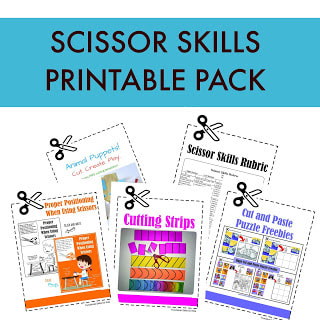
2022: This is no longer a free item. The puppet templates may be purchased as part of the Scissor Skills Printable Pack.
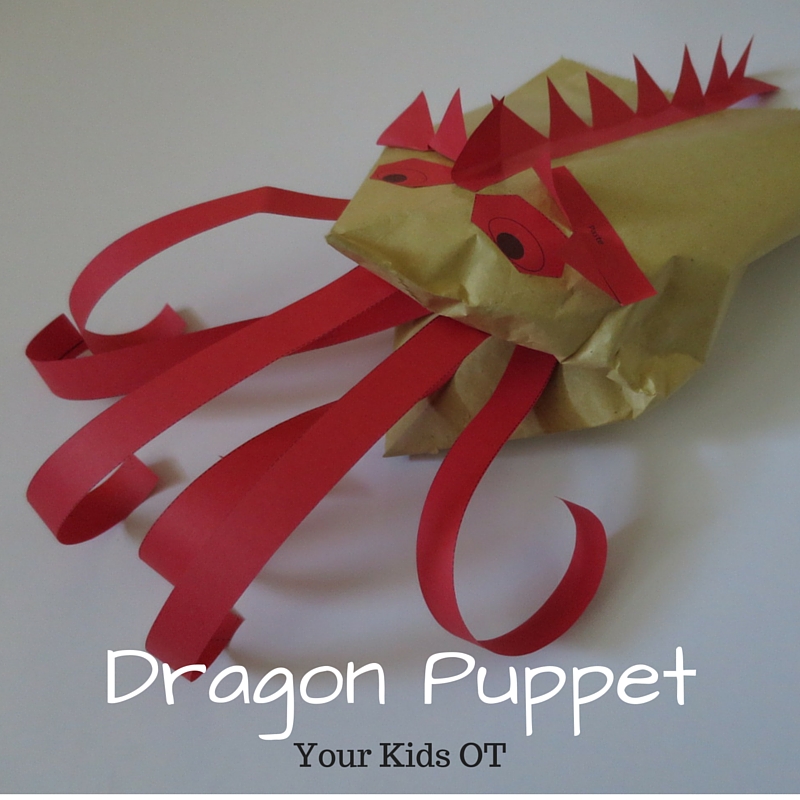
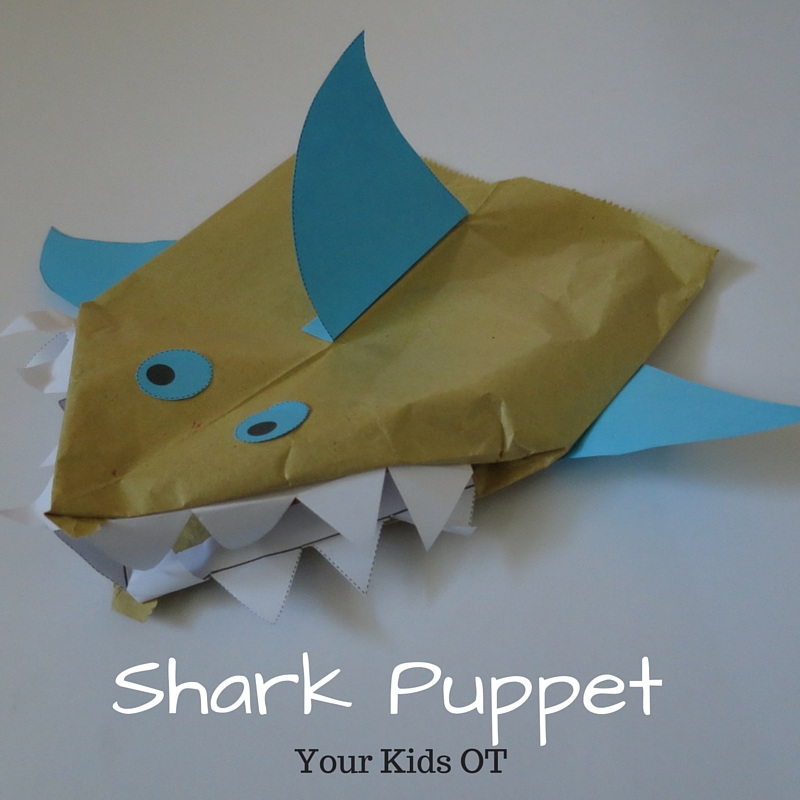
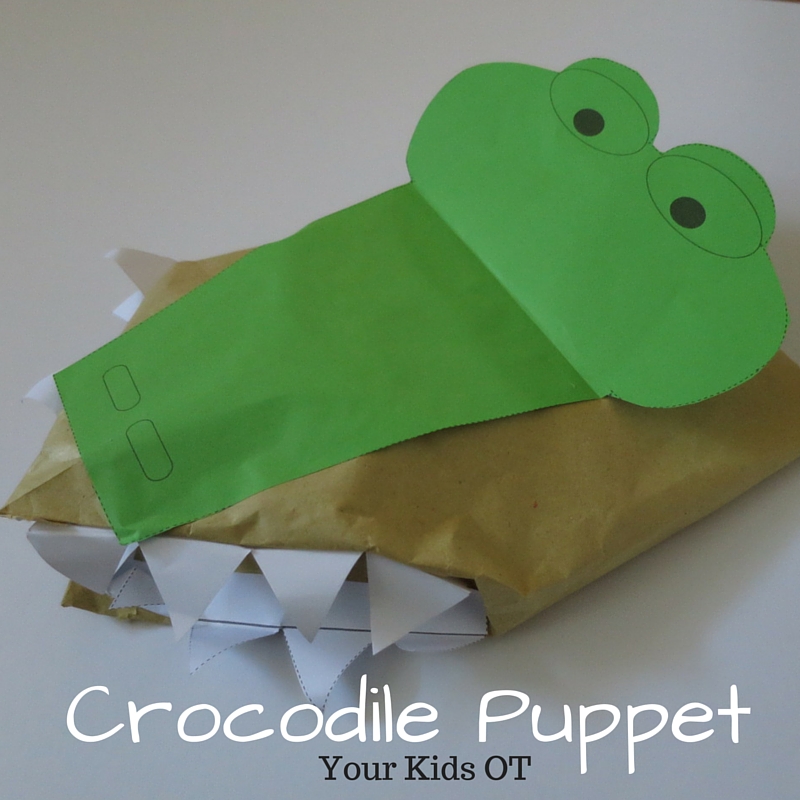
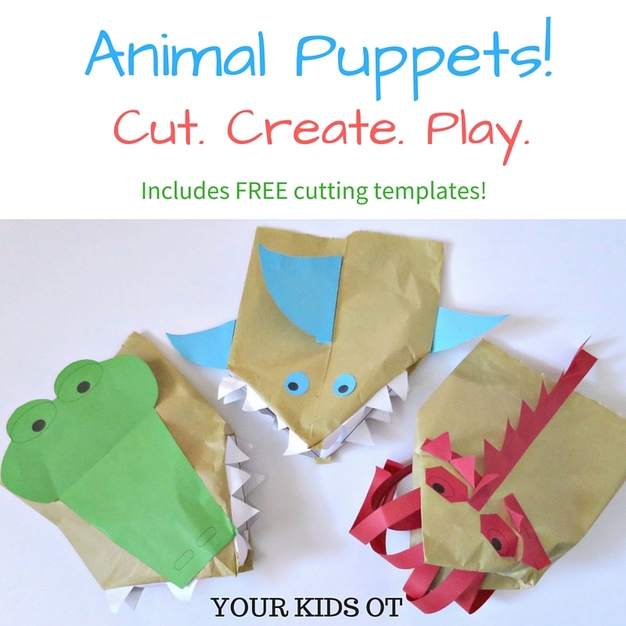
This month in the Functional Skills for Kids Series, we are looking at cutting and scissor skills! You will find lots of great tips and tricks looking at scissor skills and cutting from the best therapy bloggers on the links at the end of this article. My focus is on incorporating play with scissor skills, so what better way to do this than to make puppets?! Making a puppet gives your child's cutting some purpose. It extends the activity so the "craft" can be played with ... encouraging further creativity with imaginary story lines, character interactions, animal noises and speech. I have created these cute animal hand puppets with some ordinary brown paper bags and my FREE templates. Download these FREE templates to create a dragon, crocodile and shark from the YKOT shop.
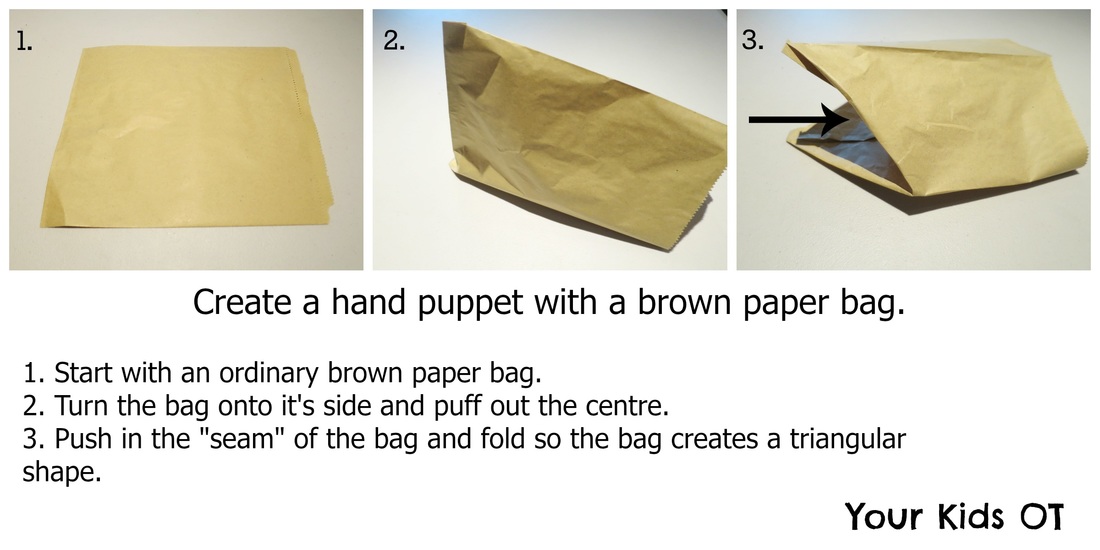
These cutting templates include a range of skills including cutting along straight lines, zig zag lines, simple shapes and more complex shapes. Cutting requires bilateral coordination with one hand holding the scissors and the "helper" hand holding and manipulating the paper as it is cut.
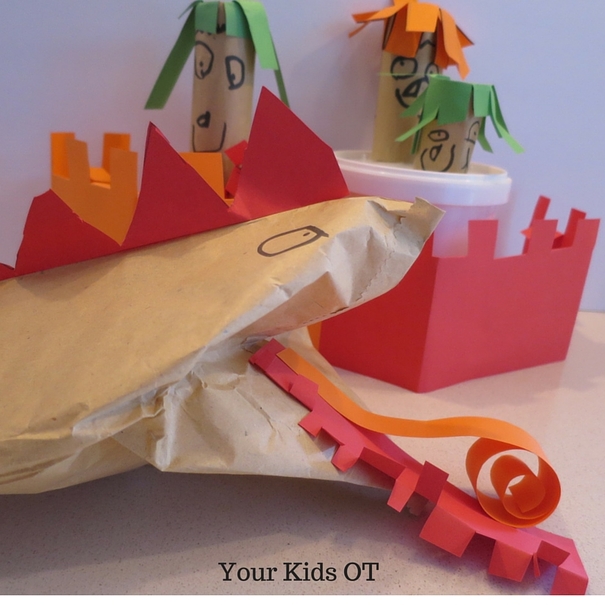
You could help to encourage further play with these puppets by cutting out props such as trees, a castle, people or other animals. Mr almost 6 years and I made this scene above to give some characters for the dragon puppet to harass. Unfortunately one of the characters was captured by the dragon when they ventured out of the castle and needed to be rescued!
Do your kids like cutting? Do they like puppets?
This article is part of “Functional Skills for Kids: 12 month series by Paediatric Occupational and Physical Therapists”. You can find lots of great tips and tricks to help your children with scissor skills in the links below. Make sure you bookmark this page so you can come back to read all the links!
Developmental Progression of Scissor Skills: 35 Best Tips for Teaching Kids to Use Scissors | Mama OT
Fine Motor Considerations for Learning to Use Scissors | Miss Jaime, O.T. Gross Motor Skills and Scissor Use | Your Therapy Source Sensory Processing and Scissor Skills - a Surprising Link | Kids Play Space Teach Kids How to Slow Down to Cut on Lines |Sugar Aunts 5 Tips for Difficulties with Scissor Skills | Growing Hands-On Kids Creative Cutting Practice for Kids | The Inspired Treehouse Visual Motor Skills and Cutting With Scissors | Therapy Fun Zone Animal Puppets! Cut. Create. Play. | Your Kids OT
|
About me...Hi, I'm Cindy ... an Occupational Therapist who enjoys working creatively with children. We work on client-centred principles of respect, connection, regulation before expectation, meeting sensory needs, active engagement and participation, Read more about me here. SEARCH THIS SITE
Click to set custom HTML
Archives
March 2026
Categories
All
Popular Posts |



RSS Feed